Internet / ScoutRoo journal
How to set up internet service at a new address
Setting up internet at a new address comes down to four steps: check what's actually available there, order the right plan, get it installed (yourself or with a technician), and connect your devices. The process is usually straightforward, but timing it around your move and knowing what to expect at each step can save you from arriving at an empty apartment with no Wi-Fi.

The essentials
- Check availability by address before you fall in love with a plan — the same provider can offer different service, or none at all, a block away.
- Self-install kits work for many homes; professional installation is still common for first-time fiber hookups or more complex wiring.
- Order service a couple of weeks before you move in if possible, since scheduling and equipment shipping take time.
- If you're keeping the same provider at a new address, ask specifically about transferring service rather than starting a brand-new account.
Step 1: Check what's available at your new address
Internet availability is address-specific, not city-specific. A provider might serve most of your neighborhood but not your exact building, especially with fiber, which is still being built out street by street in many areas.
Most providers let you check availability by entering your address directly on their website, and third-party comparison sites can show you several options at once. It's worth checking a few providers individually too, since availability tools aren't always perfectly up to date.
If you're moving into a new apartment building or complex, ask the property manager what's already wired in — some buildings have exclusive or preferred arrangements with one provider, or already include internet in rent.
Step 2: Compare plans and order
Once you know your options, compare plans on speed, price (including what happens after any promotional period ends), data limits if any, and contract length. Think honestly about how your household uses the internet — a household of heavy streamers and gamers needs more than someone who mostly browses and emails.
When you order, you'll typically pick an installation date and choose between self-install and professional installation, where offered. You'll also set up your account and billing at this point, and the provider will tell you what equipment is coming, if any, and how.
Ask directly about any one-time fees — equipment, installation, or activation charges — so the first bill doesn't surprise you.
Step 3: Self-install vs. professional install
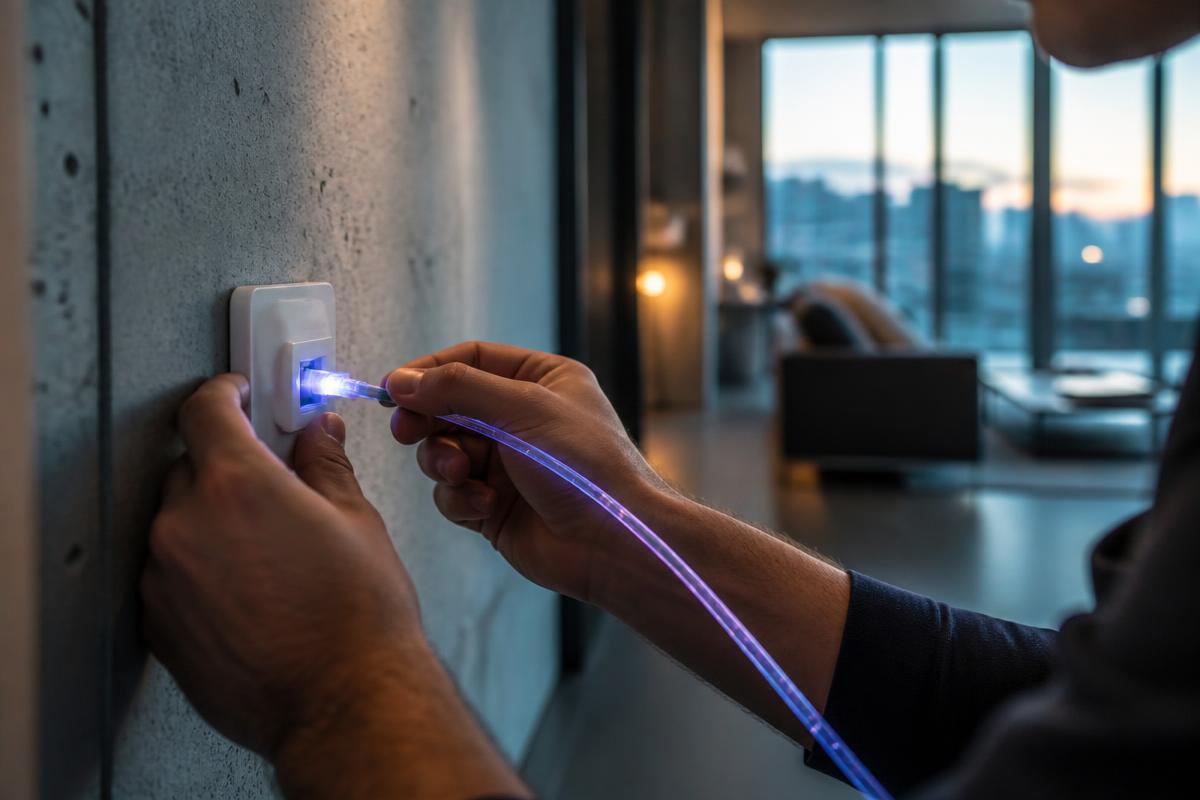
Self-install kits are common for both cable and fiber service in homes that already have the right wiring in place. The kit usually includes a modem or gateway and simple instructions: connect it to the existing wall jack or fiber outlet, plug it in, and follow an app or web-based activation process.
Professional installation is often required or recommended when a home has no existing service line, when fiber is being connected to a building for the first time, or when the wiring is old or unclear. A technician will run or connect the line to your home, install the ONT or modem, and confirm everything works before leaving.
If you're not confident about the wiring in a new place, it's reasonable to request a professional installation even if self-install is offered, especially if there's no obvious existing connection point in the unit.
Step 4: Activate and connect your devices
After the equipment is connected, activation usually happens through a phone call, text link, app, or automatically within a short time. Once active, you'll set up your Wi-Fi network name and password, usually through the provider's app or a sticker on the router itself with default settings you can change.
From there, connect your devices by selecting your network name on each phone, laptop, and smart device and entering the password once. Smart home devices, like cameras or thermostats, usually have their own app-guided setup process.
Test the connection with a wired device if possible, and run a speed test to confirm you're getting close to what you're paying for before the technician leaves or the install window closes.
Moving and keeping (or switching) your provider
If your current provider also serves your new address, ask specifically about transferring service rather than canceling and reordering — this can sometimes avoid new installation fees or a new contract, and may let you keep your existing equipment. Give your provider notice before you move, since transfer appointments need scheduling just like a new install.
If your current provider doesn't serve the new address, you'll need to cancel that account (watch for early termination fees if you're still under contract) and set up fresh service with a new provider using the steps above.
Either way, try to schedule installation for your move-in day or shortly before, and keep your phone's hotspot as a backup in case there's a short gap between move-in and activation.
Good to know
Common questions
How far in advance should I order internet before moving?
Two to three weeks is a reasonable buffer in most areas, since scheduling and equipment delivery take time, though fiber installs or busy seasons can sometimes take longer.
Can I set up internet myself without a technician?
Often, yes, if your new home already has the right wiring and your provider offers a self-install kit. Homes without existing service lines, especially for new fiber connections, usually need a technician visit.
What if no major provider serves my new address?
Check fixed wireless, satellite, or 5G home internet options, which can serve areas without wired infrastructure, and confirm realistic speed expectations for your specific location.
Will I lose internet access during the move?
There can be a gap between disconnecting old service and activating new service, so many people keep a phone hotspot ready as a backup during that window.
ScoutRoo editorial guidance. Plans, fees, and availability vary by address and provider. Confirm current offers and final terms directly with the provider before ordering.