Streaming & TV / ScoutRoo journal
How to improve your streaming quality for the best picture
A streaming picture that buffers, freezes, or drops from crisp to blurry usually comes down to one of a few things: not enough speed reaching that device, a weak Wi-Fi signal, an older device that can't decode high quality video, or an app setting capping the picture on purpose. Working through them in order — speed, signal, device, settings — fixes most streaming problems without calling anyone.
The essentials
- Streaming quality depends on the speed actually reaching your TV or device, not just your plan's advertised speed.
- 4K video needs meaningfully more bandwidth than HD, and a wobbly Wi-Fi signal can cause a service to drop quality automatically.
- A wired Ethernet connection to a TV or streaming box is the single most reliable fix for buffering.
- If wired devices stream fine but Wi-Fi ones don't, the problem is almost always the Wi-Fi, not your provider.
Why streams buffer or lose quality
Streaming services don't send one fixed picture. They constantly measure how much bandwidth is getting through and adjust the quality up or down to keep the video playing smoothly rather than stopping to buffer. If the connection to your device is inconsistent, the service quietly steps the picture down — sometimes so briefly you barely notice, sometimes enough that a crisp show suddenly looks soft.
That adjustment can be triggered by several different things happening at once: your overall internet plan being too slow for everything running in your home, a weak Wi-Fi signal reaching that particular device, another device on the network using a lot of bandwidth at the same time, or the streaming app itself being set to a lower quality limit.
Because the causes stack, the fix is to check them one at a time rather than guessing and changing everything at once.
How much speed each quality level needs
Streaming services publish their own recommended speeds, and they vary a bit by service, but the general pattern holds across most of them. Standard definition needs only a few megabits per second. High definition (1080p) typically needs somewhere in the range of 5 to 10 Mbps per stream. 4K Ultra HD needs considerably more — often in the neighborhood of 25 Mbps or more per stream, depending on the service.
The key phrase is per stream. If three people in the house are each watching something in HD while a fourth is on a 4K stream, those numbers add up, and a plan that looked plenty fast on paper can feel strained during a busy evening.
Check your streaming service's own help page for its current recommended speeds, since services update these figures from time to time, and compare that to your actual plan speed and how many devices typically run at once.
Wired vs Wi-Fi for the TV
If your streaming device — a smart TV, streaming box, or game console — sits within reach of an Ethernet cable, plugging it directly into your router removes Wi-Fi from the equation entirely. A wired connection doesn't deal with walls, interference from other electronics, or distance the way Wi-Fi does, and it's usually the single biggest improvement you can make for a device that streams a lot.
If running a cable isn't practical, a set of powerline adapters (which send network data through your home's electrical wiring) or a Wi-Fi extender/mesh node placed near the TV can help close the gap without a long cable run across the floor.
Router placement and Wi-Fi basics
Wi-Fi signal weakens with distance and loses more strength passing through walls, floors, mirrors, and large appliances. A router tucked in a closet or behind the TV in another room is a common, easily fixed cause of streaming trouble.
A central, open, elevated spot — away from microwaves, cordless phone base stations, and thick walls — generally gives the most even coverage through a home. If one far room consistently streams poorly while rooms near the router are fine, that's a strong sign the fix is a mesh system or an added access point rather than a faster internet plan.
- Restart your router and streaming device occasionally; both can slow down the longer they run without a reboot.
- Check how many devices are actively streaming or downloading at the same time as the one giving you trouble.
- Update your streaming app and your TV or device's software — older versions sometimes handle quality adjustments poorly.
When it's a device limit or an app setting, not your internet
Older TVs, streaming sticks, and game consoles sometimes can't decode 4K or high dynamic range video at all, no matter how fast your connection is. Check the device's specifications or its settings menu for the maximum resolution it supports.
Many streaming apps also let you set a manual quality or data-usage limit, which some people turn on to save mobile data and then forget about on a home TV. Look in the app's video or data settings for an option like 'auto,' 'high,' or a specific resolution, and make sure it isn't capped below what you actually want.
When the problem really is your provider
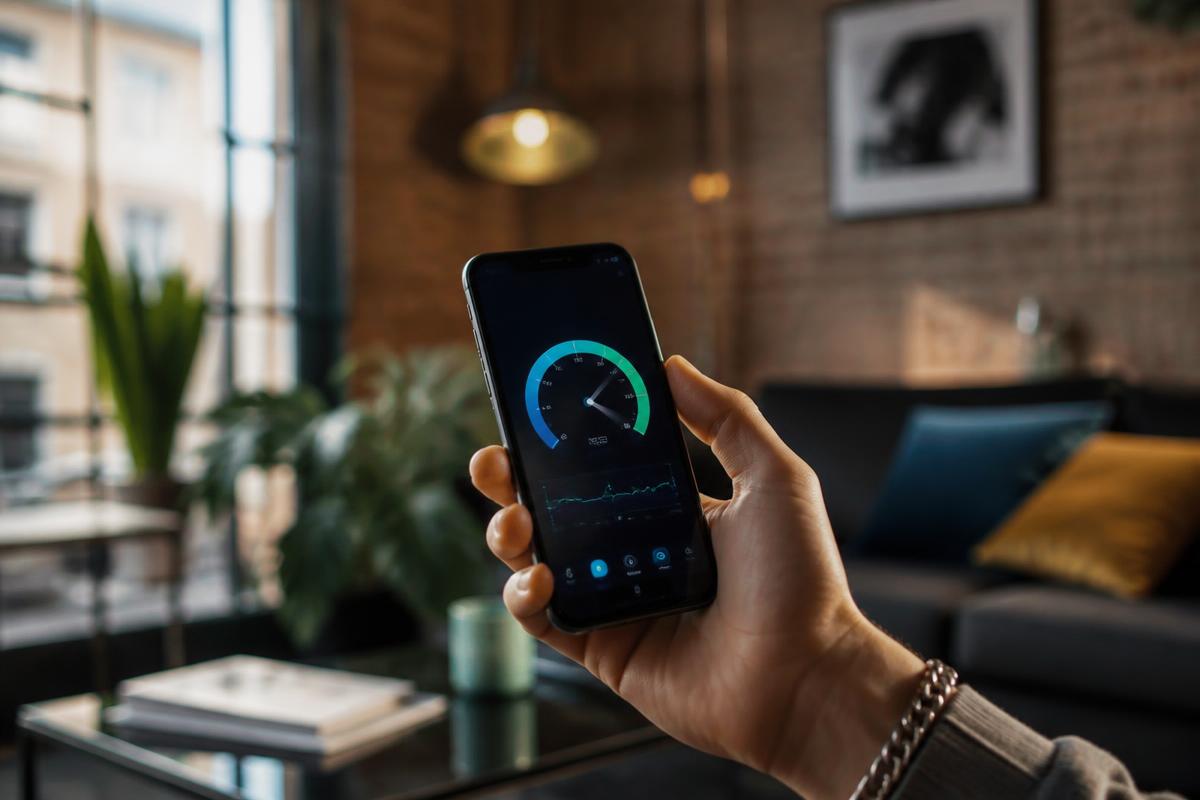
If a wired device right next to the router still buffers, if a speed test run at that same spot comes back well below what you're paying for, or if the trouble happens at the same time every evening across every device, the issue is more likely your internet plan or your provider's network at busy hours rather than your home setup.
In that case, run a speed test with a wired connection, note the time of day, and contact your provider with those specifics. If the problem keeps happening despite a healthy wired speed test, it may be worth comparing other plans or providers available at your address.
Good to know
Common questions
Does a faster internet plan always fix buffering?
Not always. If your overall plan speed is healthy but the signal to one device is weak, a faster plan won't help — improving the Wi-Fi path to that device will.
Why does my picture look great on one TV but blurry on another?
The two devices likely have different Wi-Fi signal strength, different quality settings, or different hardware capabilities. Check each one individually rather than assuming it's your whole network.
Is Ethernet really better than Wi-Fi for streaming?
Yes, generally. A wired connection delivers a steadier signal than Wi-Fi, which is affected by distance, walls, and interference, so it tends to hold a higher, more consistent streaming quality.
How do I know if my Wi-Fi signal is weak in a room?
Most phones and some router apps show a signal strength indicator. You can also run a speed test in that room and compare it to a test done right next to the router.
ScoutRoo editorial guidance. Plans, fees, and availability vary by address and provider. Confirm current offers and final terms directly with the provider before ordering.