Wi-Fi & Gear / ScoutRoo journal
The best Wi-Fi 6 routers for every size home
There's no single "best" Wi-Fi 6 router for every home, because the right choice depends on your home's size, how many devices you have, and whether one router can even reach every room. Instead of chasing a model name that will likely be replaced within a year, it's more useful to learn the handful of factors that actually decide whether a router will work well for you — then shop with those in mind.
The essentials
- The size and layout of your home matters more than any single spec: a single router rarely covers a multi-story or spread-out home well.
- Wi-Fi 6 is a meaningful upgrade for homes with many connected devices; Wi-Fi 6E and 7 add a faster, less crowded band on top of that.
- Mesh systems (multiple matched units) generally beat one router plus a signal booster for whole-home coverage.
- Because models are updated and discontinued constantly, check current reviews and your own home's device count before buying, rather than relying on a fixed "best of" list.
Start with your home, not the router
Before comparing any routers, think about three things: square footage, number of floors, and how many devices typically connect at once. A one-bedroom apartment and a two-story, four-bedroom house have very different needs, even if both households use the same internet plan.
As a rough guide, a single router — even a strong one — tends to struggle to evenly cover much more than a single floor of an average home, especially through multiple interior walls. If your home has more than one level, or awkward layouts with the router stuck in a corner, a multi-unit mesh system is usually worth the extra cost over a single powerful router.
Count your devices honestly: phones, laptops, tablets, streaming boxes, game consoles, smart speakers, cameras, thermostats, and light bulbs all add up fast. A household with twenty or more connected devices benefits more from Wi-Fi 6 or 6E than one with five.
What "Wi-Fi 6" actually buys you
Wi-Fi 6 is a technical standard, not a brand. Its main advantage over older Wi-Fi 5 routers isn't raw top speed in a one-device test — it's efficiency when many devices are active simultaneously, which matches how most modern homes actually use their network.
Wi-Fi 6E adds access to the 6 GHz band, giving compatible devices a wide, uncrowded lane to use, particularly helpful for high-bandwidth tasks like 4K streaming or video calls happening at the same time as other traffic. Wi-Fi 7, the newest standard, pushes this further with higher theoretical speeds and smarter band-switching, though device support is still catching up as of 2026.
A practical note: your devices need to support a standard to benefit from it. An older phone or laptop won't get Wi-Fi 6E speeds just because your router offers them — it will simply connect using whichever standard it supports.
Single router vs. mesh system
A single router with strong antennas can be the simplest, most affordable choice for a smaller home or apartment where the router can sit centrally. It's one box, one setup process, and generally the cheapest path to a Wi-Fi 6 upgrade.
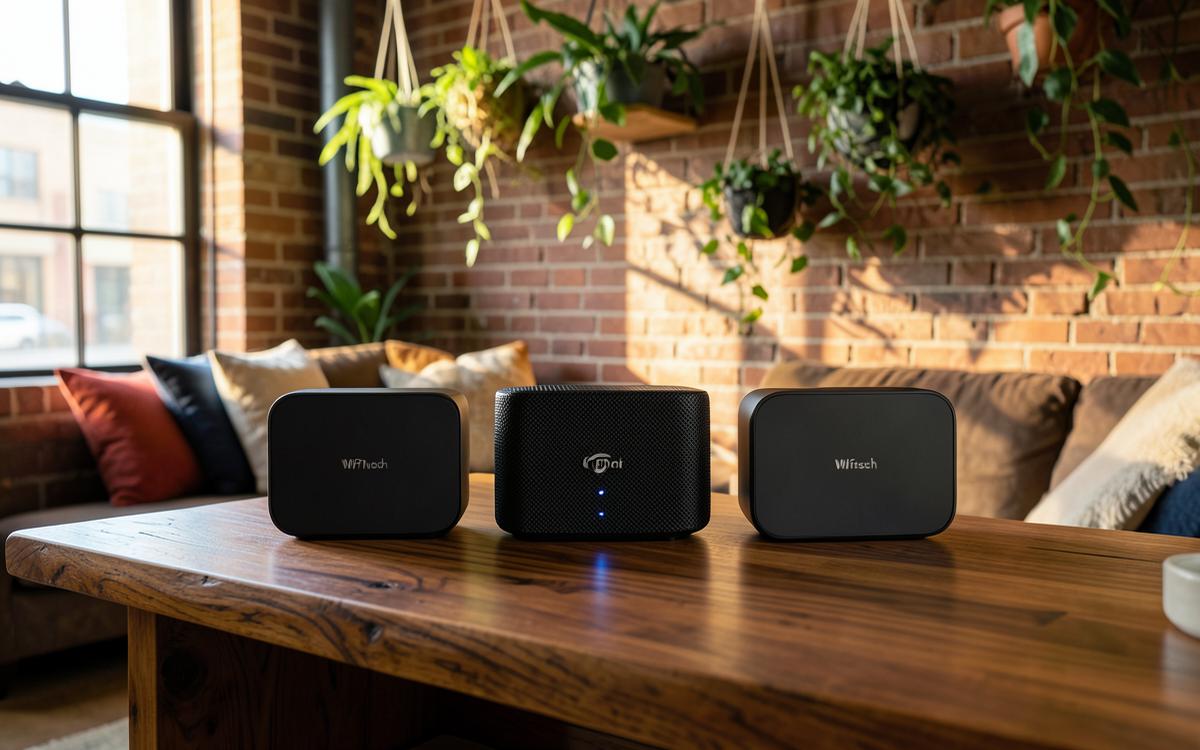
A mesh system uses two or more matching units placed around your home, all working as one network with a single name, so your devices hand off between units automatically as you move around. This tends to produce more even coverage in larger or multi-story homes than a single router, and far more consistent coverage than a router paired with a cheap signal extender, which often creates a separate, weaker network.
The trade-off is cost and some extra setup: mesh systems typically cost more than a single router, and you're buying multiple units up front rather than one.
Features worth paying attention to
Beyond the Wi-Fi standard itself, a few practical features affect day-to-day experience more than marketing speed numbers.
- Number and type of Ethernet ports — useful for wiring a TV, game console, or desktop directly for the most stable connection.
- Easy-to-use companion app — most current routers are managed from a phone app; a clear, reliable app makes setup and troubleshooting far less frustrating.
- Guest network and parental controls — handy for separating visitor devices or smart-home gadgets from your main network, and for managing kids' screen time.
- Automatic firmware updates — routers that update themselves tend to stay more secure without extra effort from you.
- Compatibility with your provider's equipment — if you rent a gateway from your provider, you may need to either replace it or set it to "bridge mode" to use your own router without conflicts; check your provider's instructions first.
How to shop without chasing a moving target
Router lineups change often — models are refreshed, discontinued, and re-priced throughout the year, which is why a fixed list of "best" picks tends to go stale quickly. A more durable approach is to decide what you need (coverage area, device count, standard) and then compare a short list of current options against those needs when you're ready to buy.
Reading a handful of recent, dated reviews close to your purchase date, and checking return policies in case a router underperforms in your specific home, will serve you better long-term than relying on any single ranked list.
Good to know
Common questions
Is Wi-Fi 6 worth upgrading to in 2026?
For most households with a dozen or more connected devices, yes — the efficiency gains are noticeable. For a home with just a few devices, an older router may still perform fine.
Do I need Wi-Fi 6E or 7, or is Wi-Fi 6 enough?
Wi-Fi 6E and 7 add a faster, less crowded 6 GHz band, which helps in busy, device-heavy homes. If your devices don't support it yet, the extra cost may not pay off immediately.
Should I buy my own router or rent one from my provider?
Buying can save money over time and often offers better features, but check whether your provider charges an equipment fee you'd be avoiding, and confirm your own router is compatible with your service type.
How many mesh units do I need?
It depends on your home's size and layout; a common starting point is one unit per floor or roughly every 1,500 square feet, but dense walls or an unusual layout may require more.
ScoutRoo editorial guidance. Plans, fees, and availability vary by address and provider. Confirm current offers and final terms directly with the provider before ordering.