Wi-Fi & Gear / ScoutRoo journal
What is Wi-Fi? The basics, explained simply
Wi-Fi is a way of sending your internet connection through the air using radio waves instead of a cable, so your phone, laptop and smart TV can all get online without being plugged in. It isn't the internet itself — it's the last short hop between your router and your devices. Understanding that difference explains a lot about why Wi-Fi sometimes feels slow even when you're paying for a fast plan.

The essentials
- Wi-Fi is a short-range radio signal, not the internet connection itself — your modem or ONT brings the internet in, and Wi-Fi spreads it around your home.
- Most routers broadcast on two or three radio bands — 2.4 GHz, 5 GHz, and increasingly 6 GHz — each with different range and speed trade-offs.
- Your Wi-Fi speed can be lower than your plan speed because of walls, distance, interference, and how many devices are connected at once.
- Newer Wi-Fi standards (Wi-Fi 6, 6E, 7) improve how efficiently a router shares its signal with many devices, not just top speed.
Wi-Fi is radio, not magic
Wi-Fi works the same basic way as a walkie-talkie or an FM radio: a device sends information as radio waves through the air, and another device nearby picks it up. Your router is the transmitter; your phone, laptop, or smart speaker is the receiver, and the conversation runs both ways constantly.
This radio signal travels over unlicensed spectrum — frequency bands that the government has set aside for anyone to use without a license, as long as equipment follows certain rules. That's why you don't need permission to set up a home network, but it also means your neighbors' routers, baby monitors, and even some microwave ovens share the same airwaves and can cause interference.
Because it's radio, Wi-Fi has physical limits that a cable doesn't: walls, floors, metal appliances, and distance all weaken the signal. A cable either works or it doesn't; radio fades gradually, which is why Wi-Fi can feel fine in one room and sluggish in another.
The bands: 2.4 GHz, 5 GHz, and 6 GHz
Most routers made in the last decade broadcast on two frequency bands at once, and newer ones add a third. Each band trades range for speed differently.
- 2.4 GHz: Travels farther and passes through walls better, but is slower and more crowded, since many household devices use this band.
- 5 GHz: Faster and less congested, but the signal doesn't travel as far or penetrate walls as well.
- 6 GHz: Found on newer Wi-Fi 6E and Wi-Fi 7 routers, it offers even more room for fast, uncongested connections, but has the shortest range of the three.
- Most modern routers handle band selection automatically, switching a device to whichever band gives the best connection at the moment — you usually don't need to choose manually.
Wi-Fi and your internet plan are two different things
Your internet plan — say, a speed tier your provider sells you — describes how much data can move between your home and the wider internet. Wi-Fi describes how that data gets from your router to each device inside your home.
That's why a household can pay for a fast plan and still see slow speeds on a laptop in a back bedroom: the plan is delivering full speed to the router, but the Wi-Fi hop from router to laptop is the bottleneck. Running a speed test over a wired Ethernet connection, compared with the same test over Wi-Fi, is a simple way to tell which part of the chain is limiting you.
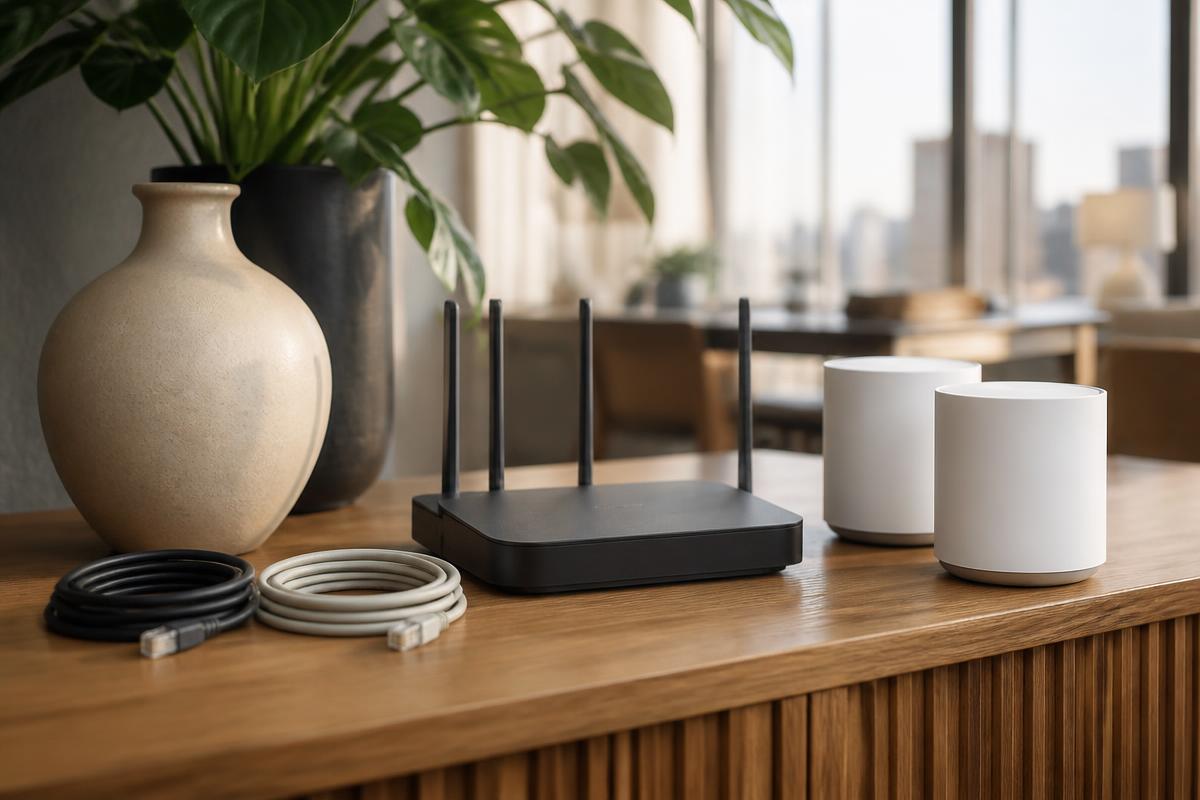
Router placement matters more than most people expect. A router in a closet, behind a TV, or in a corner of the house has to push its signal through more obstacles. Central, elevated, and open placement generally performs better than a high price tag alone.
Why Wi-Fi generations keep changing
You'll see routers labeled Wi-Fi 5, Wi-Fi 6, Wi-Fi 6E, or Wi-Fi 7. Each generation is a technical standard that improves how the radio signal is used — not just raw top speed, but how well a router juggles many devices talking at once.
Older standards handled one device at a time in quick succession, which worked fine when homes had a handful of connected gadgets. Modern homes often have dozens of connected devices, from phones and laptops to doorbells and light bulbs, and newer standards are built to serve all of them more efficiently so the network doesn't bog down.
Upgrading your router can meaningfully improve a crowded home's experience even without changing your internet plan at all, because it fixes the in-home sharing problem rather than the amount of internet coming in.
Getting the most out of your Wi-Fi
A few habits make a bigger difference than most people expect, and none require buying anything new.
- Place the router centrally and off the floor, away from thick walls, metal cabinets, and large appliances.
- Restart your router occasionally; like any small computer, it can benefit from a fresh start.
- If your home has dead zones, a mesh Wi-Fi system — multiple small units working together — generally covers a larger or multi-story home more evenly than one router with a signal booster.
- Keep router firmware updated through the manufacturer's app; updates often improve stability and security.
Good to know
Common questions
Is Wi-Fi the same thing as the internet?
No. The internet is the global network your provider connects you to; Wi-Fi is just the wireless method your router uses to share that connection around your home.
Why is my Wi-Fi slower than the speed I pay for?
Distance from the router, walls, interference from other devices, and the number of things connected at once can all reduce Wi-Fi speed, even when the incoming connection is running at full speed.
Do I need 6 GHz Wi-Fi?
It helps most in homes with many devices or heavy simultaneous use, since it offers a less crowded band. Smaller homes with fewer devices may not notice much difference.
Can Wi-Fi work without internet service?
Yes, in a limited sense — devices can connect to a router's Wi-Fi network and talk to each other locally, but they won't reach websites or outside services without an active internet connection feeding that router.
ScoutRoo editorial guidance. Plans, fees, and availability vary by address and provider. Confirm current offers and final terms directly with the provider before ordering.