Wi-Fi & Gear / ScoutRoo journal
Is it better to use a gateway or a separate modem and router?
A gateway combines a modem and a router into one box, while a separate modem-and-router setup splits those jobs between two devices. Gateways are simpler and take up less space; separate equipment gives you more control over Wi-Fi coverage and lets you upgrade one piece without replacing the other. Neither is objectively better — the right pick depends on how much you value simplicity versus flexibility.
The essentials
- A gateway is convenient — one box, one setup, often one rental fee — but if the Wi-Fi radio is weak, you can't upgrade it without replacing the whole unit.
- A separate modem and router cost more upfront or add a line to your bill, but let you upgrade router and Wi-Fi coverage independently of your internet connection.
- Large or multi-story homes often benefit more from a separate, higher-powered router or mesh system than from a standard gateway's built-in Wi-Fi.
- Most providers offer a companion app for their gateway with usage stats and device management, a feature you'd otherwise need a separate router app for.
What each setup actually is
A gateway is a single device that does the modem's job — connecting to your provider's network — and the router's job — sharing that connection as Wi-Fi throughout your home. Most providers offer one as part of your plan, either included or for a rental fee, and it's usually the default option when you sign up for service.
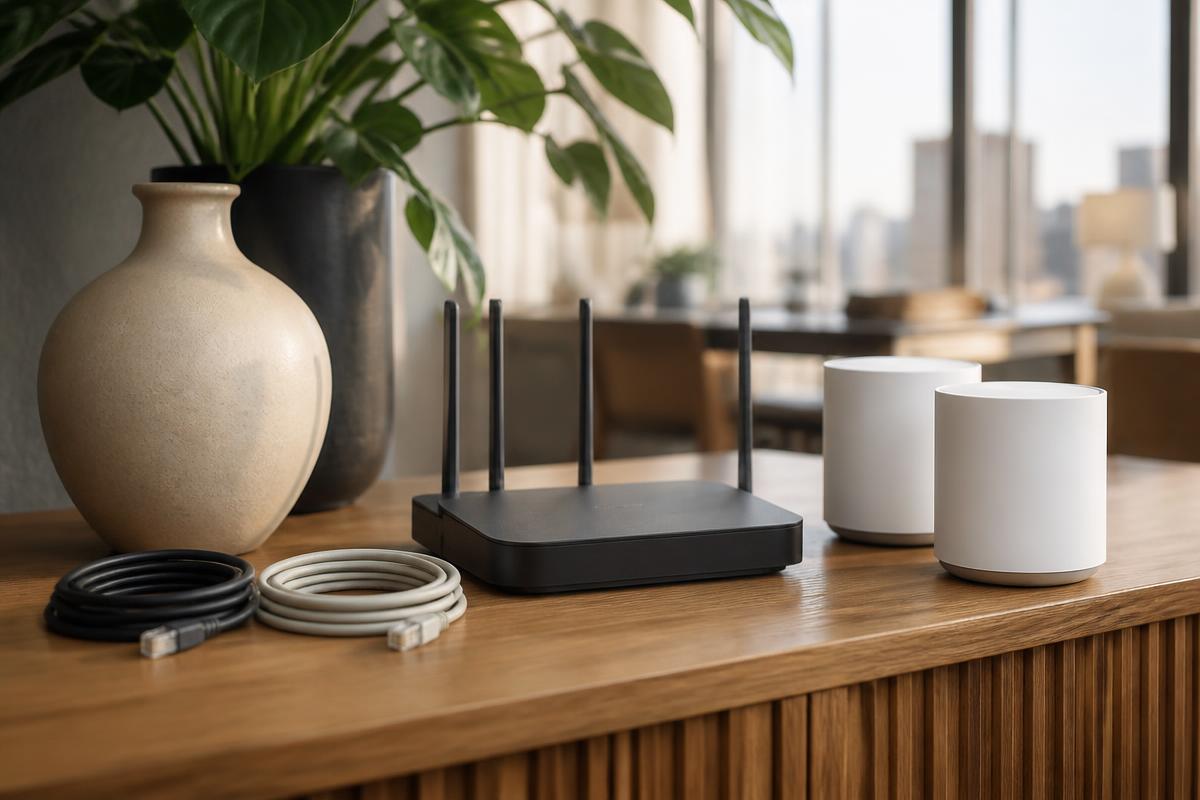
A separate modem and router setup splits those two jobs into two devices connected by a cable. The modem talks to your provider's network; the router, plugged into the modem, creates and manages your home Wi-Fi. This is the more traditional setup and remains common among people who want more control over their network.
Functionally, both approaches get you online. The differences show up in convenience, cost over time, and how much flexibility you have to fix or upgrade things later.
Convenience: the case for a gateway
A gateway is the simplest option by a wide margin. There's one device to set up, one device to troubleshoot, and usually one app from your provider that shows your connection status, lets you pause Wi-Fi for specific devices, and handles basic parental controls — all without buying or configuring a separate router.
If something goes wrong, there's only one box to restart, and if it fails, your provider typically swaps the whole unit rather than you needing to diagnose which of two devices is the problem. For people who just want internet to work without thinking about the equipment behind it, this simplicity is the main appeal.
Flexibility: the case for separate equipment
The tradeoff with a gateway is that its Wi-Fi radio, antennas, and processing power are fixed. If your home has weak Wi-Fi in a back bedroom or basement, you're limited to whatever range boosters or mesh add-ons your provider supports — you can't simply swap in a stronger router while keeping the same modem.
With a separate setup, you can upgrade the router on its own — moving to a mesh Wi-Fi system for better whole-home coverage, for example — without touching the modem or your provider's network connection at all. This matters most in larger homes, homes with thick walls or multiple floors, or households with a lot of devices competing for bandwidth.
Separate equipment also lets you keep your router (and its settings, saved devices, and parental controls) if you switch providers, as long as your next provider's network is compatible with your existing modem.
Cost over time
Gateways are sometimes included free with a plan and sometimes charged as a monthly rental fee, similar to standalone modem rentals; check your provider's current terms, since this varies by plan.
A separate modem and router typically costs more to buy upfront if you're purchasing both yourself, but once you own them, there's no ongoing equipment fee tied to that purchase. As with modem-only rentals, the question of whether buying beats renting comes down to how long you'll keep the service and what your provider actually charges for the gateway rental.
Who should pick which
A gateway is a good fit for smaller homes or apartments, people who want the simplest possible setup, and anyone who'd rather have their provider handle troubleshooting and replacement than deal with it themselves.
A separate modem and router setup is a better fit for larger or multi-story homes, households with many connected devices, and anyone who wants the freedom to upgrade their Wi-Fi hardware independently of their internet plan — or to keep their router when they switch providers.
- Choose a gateway if: you want one simple box, provider-handled support, and your home isn't large enough to stress the built-in Wi-Fi.
- Choose separate equipment if: you have a larger home, want a mesh system, or like the idea of upgrading pieces independently.
Good to know
Common questions
Can I use my own router with a provider's gateway?
Often yes, by switching the gateway into "bridge mode" so it only handles the modem function and your own router handles Wi-Fi — check your provider's support page for how to enable this on their device.
Does a gateway slow down my Wi-Fi compared to separate equipment?
Not inherently, but a basic gateway's Wi-Fi radio may be less capable than a higher-end standalone router, which can matter more in larger homes than smaller ones.
Is a mesh Wi-Fi system the same as a gateway?
No. A mesh system is a type of router setup using multiple access points for coverage; you can pair a mesh system with either a standalone modem or a gateway in bridge mode.
Will I lose features by switching from a gateway to separate equipment?
You may lose your provider's specific app features, like their built-in parental controls or usage dashboard, though most standalone routers offer similar features through their own app.
ScoutRoo editorial guidance. Plans, fees, and availability vary by address and provider. Confirm current offers and final terms directly with the provider before ordering.